Start with one.
One app. One routine. A little space to practice choosing.
- Protection for one selected app
- One recurring routine
- Unlimited manual focus sessions
- Seven-day insights


 unscroll
Coming soon for Android
Less automatic scrolling.
More of the day you meant to have.
A small pause. A choice that’s yours.
You don’t need another feed.
Open your phone with an intention. Give a distracting app a boundary. Make room for a focused stretch, a quieter evening, or something entirely offline.
Inside Unscroll
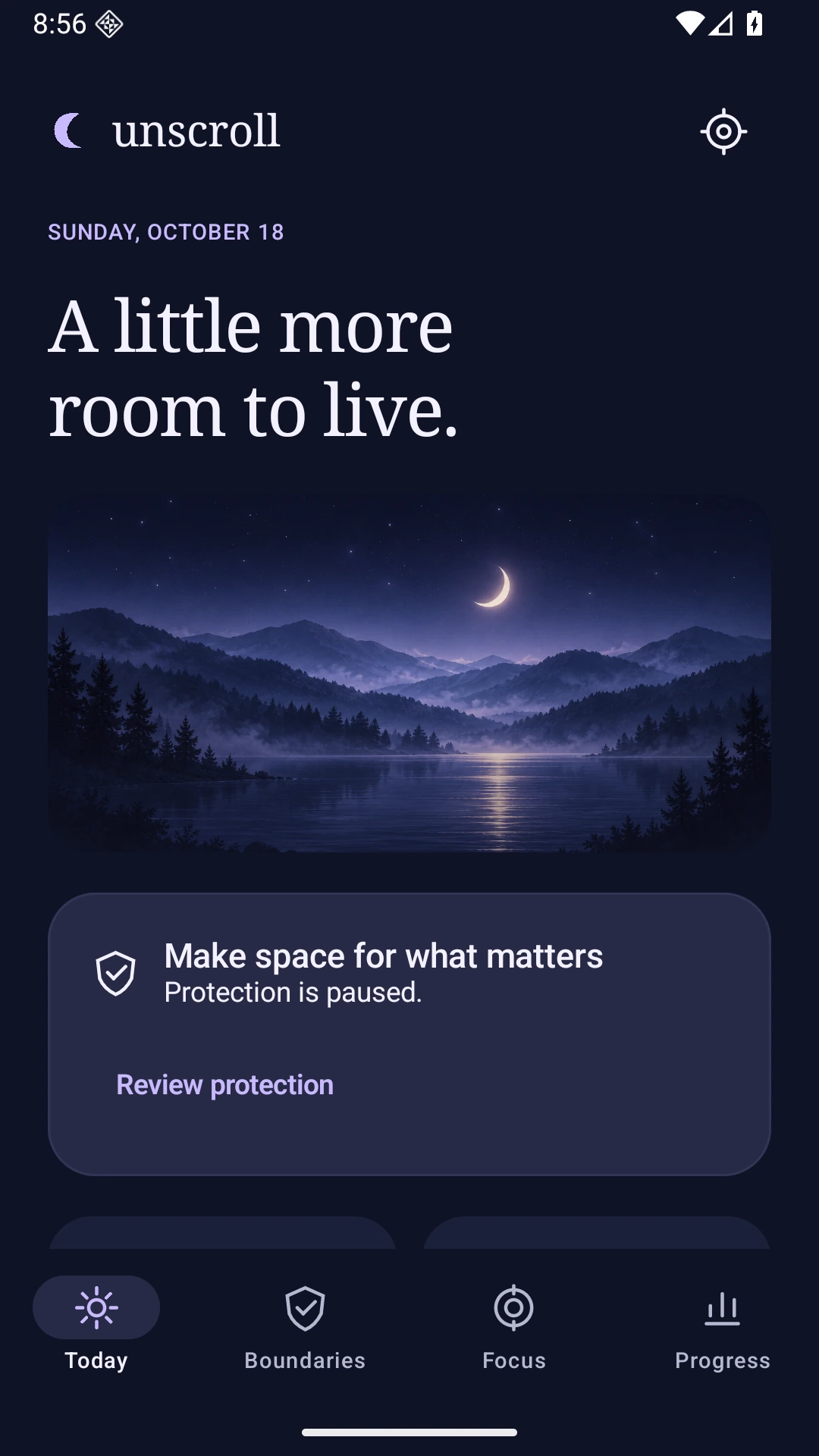
A calm home for your selected apps, routines and next focus session. Choose where your attention goes next.
Screens from the Android development build. The interface may evolve before release.
Try a little pause
A gentle interruption can be enough to ask: what did I come here to do?
An interactive illustration of the idea. This website doesn’t monitor or block your apps.
Take a breath. Your next choice is yours.
Your day belongs to you
Your selected apps, boundaries and usage history stay on your device. No separate Unscroll account. Choose the access you want to give, and turn protection off whenever you need.
Optional Android access powers app boundaries and usage estimates. Focus timers and reset activities work without that access. Billing services have separate data practices.
Read the privacy policyComing soon for Android
The app is being prepared for release. Downloads and purchases aren’t available yet.
One app. One routine. A little space to practice choosing.
A planned one-time purchase. No subscription.
Full Unlock is still being prepared and verified. Final availability and the local price will be shown in Google Play before purchase.
A few things to know
The whole apps you choose. Add an intentional pause, a daily allowance or a focus session. It doesn’t single out feeds inside an app, and it doesn’t control essential system or emergency access.
No. Optional Accessibility access detects app identities and window events to show your chosen boundaries. Unscroll does not read messages, screen text or keystrokes, or take screenshots. The privacy policy explains Android’s broader permission wording and exactly what the app uses.
Yes. This is a voluntary self-management tool for adults. You can disable protection, revoke permissions or uninstall. Android and device-maker restrictions affect protection; it cannot continue after force-stop, permission removal or uninstall.
If you receive a complimentary code from Hypercent, you can enter it on the app’s Upgrade screen for the same Full Unlock features, free of charge. It is checked on your device without an account or internet connection. The app saves an encrypted access marker, not the code. After reinstalling or clearing Android app storage, enter the code again; Google Play restore only restores purchases. Keep reusable codes private. Read the privacy details.
This page shows the native Android app. An iPhone version is not available or announced for release.
Selected-app usage estimates and your intervention choices, with missing data made clear. A focus timer records timer duration; it does not prove productivity or provide a medical assessment.
Something quieter is coming.
Coming soon for Android.